Test Page - Translations of Elementor Pro conditions by WPML - Sept 11th 2025
English explanations for SUPPORT & colleague developers & site builders
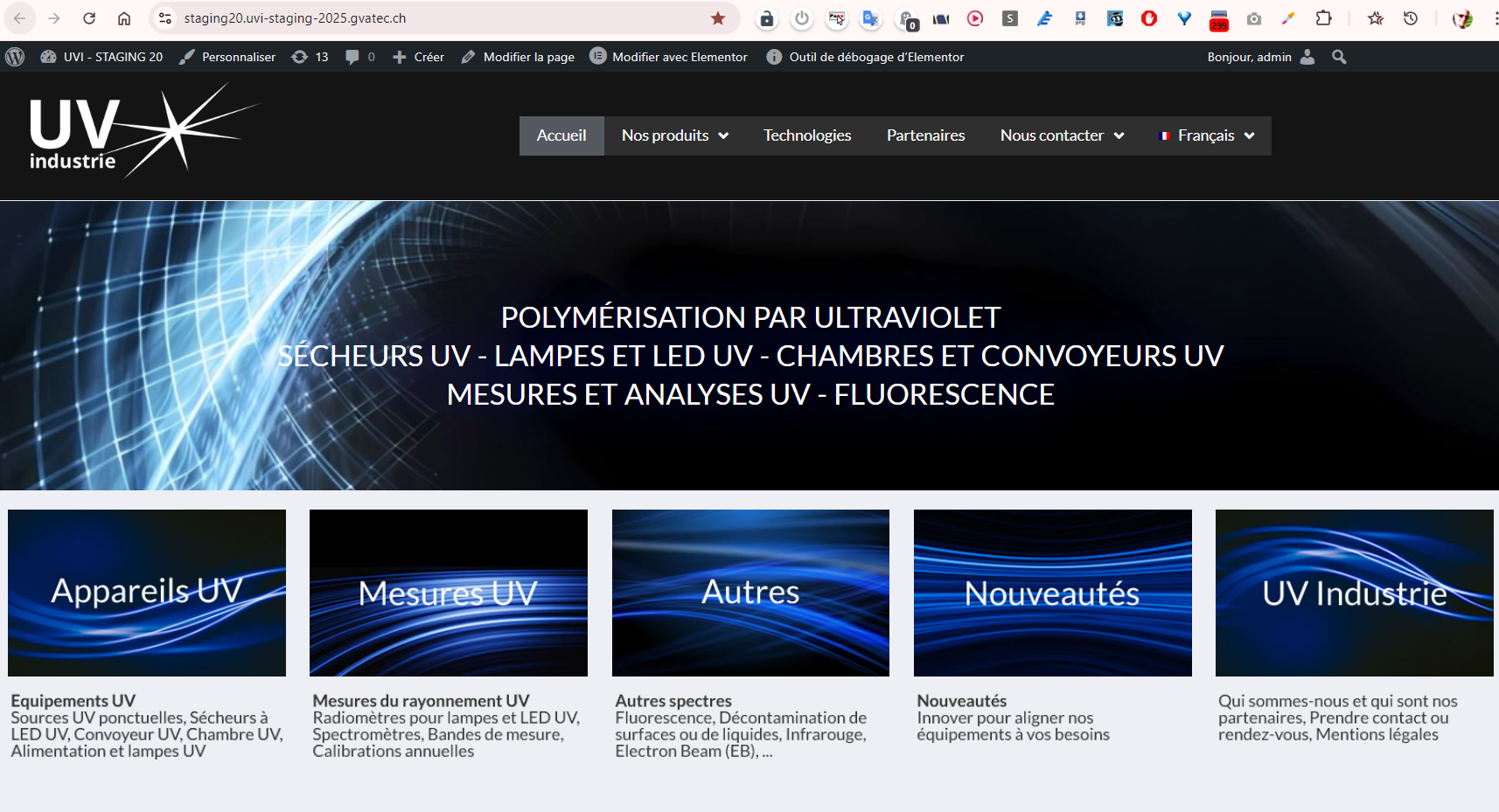
Please note : there are ONLY 2 CONDITIONS in the GLOBAL header – see source Home page in FRENCH
Those 2 conditions are supplied by ELEMENTOR PRO inside the GLOBAL HEADER template
We need a word of warning from ELEMENTOR PRO and translation apps such as WPML that when we use normal standard element conditions in, for example, the global header, these conditions (fully documented by ELEMENTOR PRO since December 2024 – https://elementor.com/help/show-and-hide-elements-on-a-page-display-conditions/) cannot be translated today (September 2025) from source global template or global headers or global footers. It will save us countless precious hours of work and needless debugging.
The Elementor PRO conditions cannot NOT be applied in full when translating from one global header or global footer or global language template.
The only solution is to create different sets of Home pages for each languages (another topic).
With auto header & footer from main template – source in French
All good is for OTHER pages Globally
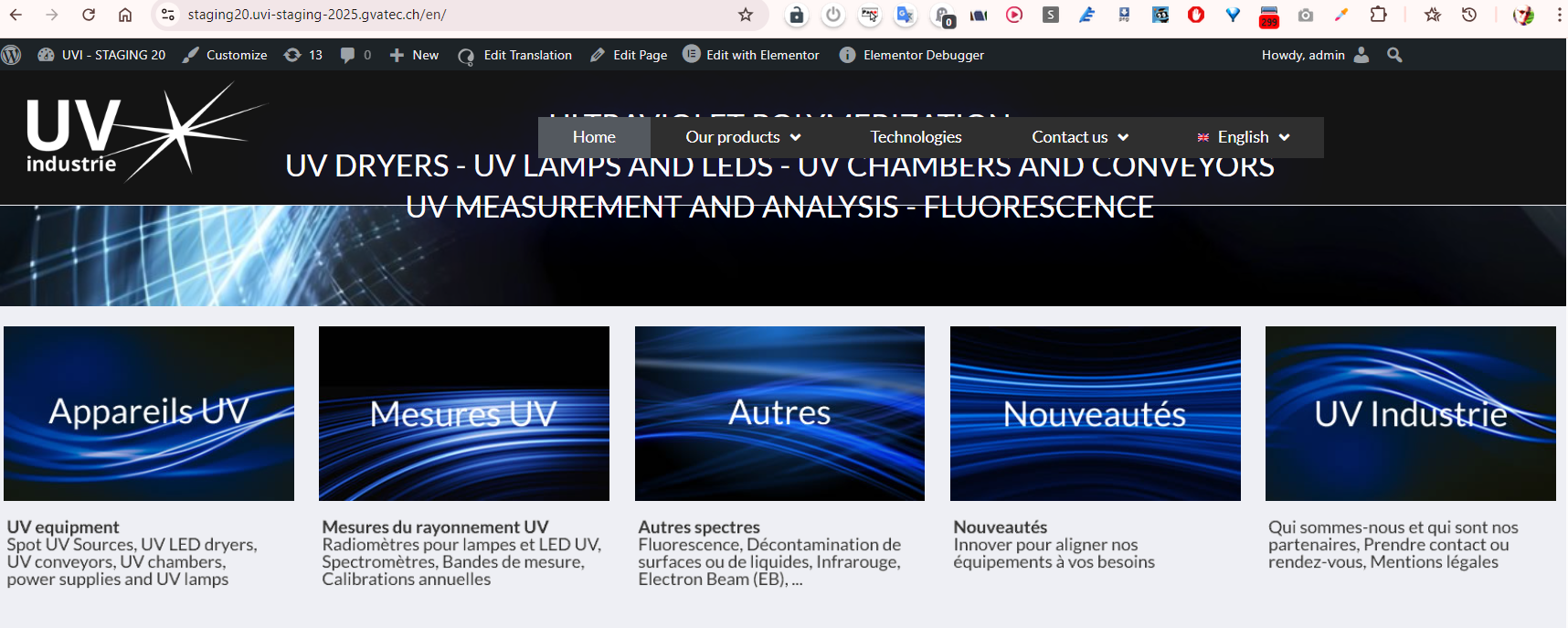
This page is considered as OTHER PAGE in global site OK as per GLOBAL condition
Please note This is NOT HOME page
Condition #2 in Global French source template :
It seems applied in ENGLISH translation
Good – We get small picture header – small 100px height
Condition #1 in Global Source FRENCH template is not applied (reserved for Home pages only – Good)
Condition #1 (for Home pages) is not applied correctly
Why ?
It appears to be skipped
Only Condition #2 is applied – the condition containing small header picture
It should be Condition #1 as per Accueil (source home page in French)
Please note : there are ONLY 2 CONDITIONS in the source Home page in FRENCH
Official documentation by ELEMENTOR PRO since Decembre 2024 about Show and hide elements on a page (Display Conditions) can be found here : without sufficient warning that it is not translatable.